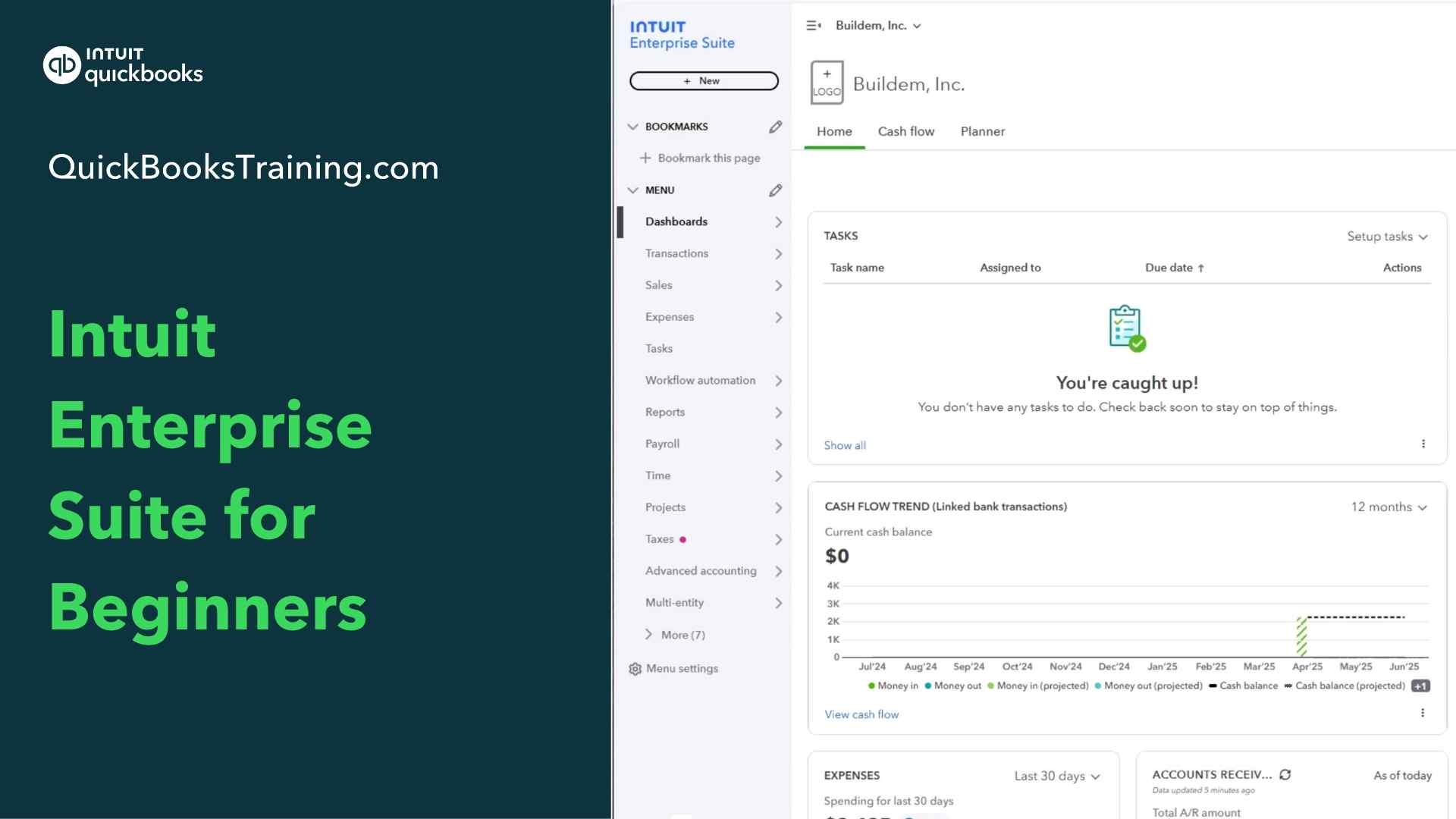
Explore Intuit Enterprise Suite with this course. Learn how to get the most from Intuit Enterprise Suite. You’ll learn the basics and advanced features.
This class is included in all of our training plans
Self-paced
All training plans include instant and lifetime access to this course.
This class prepares you for a certification exam:
Intuit Enterprise Suite Certified User Certification
Course Content
308 lessons · 13 hr 51 min
Your Turns Introduction0:41
Setup & Getting Around0:40
Sign Up for Your Software2:15
Import from QuickBooks Desktop1:39
Import Data from Excel: Customers3:30
Import Data from Excel: Vendors0:57
Import Products and Services1:14
Import Chart of Accounts2:00
What Can You Do On The Dashboard?2:05
Three Main Menus4:00
Check Your Settings0:59
Search0:59
Workflows, Integrations, Notifications, and Account Settings2:14
Use Multiple Tabs1:28
How to Switch Between Your Entities (IES Specific)0:46
What is a Transaction?1:08
Elements of a Transaction: Money In1:44
Elements of a Transaction: Money Out1:03
Enter Customer Opening Balances3:17
Enter Vendor Opening Balances1:25
Enter Inventory Opening Balances2:53
Enter Accounts and Opening Balances8:30
How To Practice Introduction2:29
Your Turn: Setup & Getting Around5:03
Your Turn Answers: Setup & Getting Around6:55
Working with Lists1:04
What are Lists?2:59
The “Who”: Introduction to Centers3:20
The “Who”: Customizing Customer and Vendor Centers4:05
The “Who”: Find and Record Transactions Using Customer and Vendor Centers2:29
The “What”: Introduction to Other Lists1:46
The “Who” and the “What”: Add New Entry5:04
Why do You Need the “Who” and the “What”2:23
The “Who” and the “What”: Edit Entry2:16
The “Who” and the “What”: How to Add Names to Multiple Lists2:37
The “Who” and the “What”: Delete Entries without Balances3:03
The “Who” and the “What”: Delete Entries with Balances3:42
The “Who” and the “What”: Merge Entries3:10
Get Ready to Practice0:48
Your Turn: Working with Lists5:23
Your Turn Answers: Working with Lists11:10
Financial Statements1:11
Chart of Accounts1:59
Balance Sheet4:44
Profit & Loss4:50
Create Accounts: Intro1:03
Set up New Accounts3:01
Intro to Subaccounts2:49
Using Subaccounts3:05
Collapse Report1:11
Accrual vs. Cash1:21
Statement of Cash Flows: Operating Activities3:41
Statement of Cash Flows: Financing and Investing Activities1:54
Journal Entries: Intro1:41
Create a Journal Entry1:15
Intro to Debits and Credits3:09
What are Account Numbers?1:54
Set up and Use Account Numbers3:55
Intro to Multi-Entity1:57
Shared Chart of Accounts6:26
Intercompany Accounts7:40
Allocating Multi-Entity Transactions3:19
Multi-Entity Journal Entries5:07
How to Run a Consolidated Profit & Loss1:46
How to Run a Consolidated Balance Sheet0:50
Forecasts3:54
Get Ready to Practice0:48
Your Turn: Financial Statements5:18
Your Turn Answers: Financial Statements10:32
Products and Services0:36
What are Products and Services?1:31
Create a Product or Service2:42
Sale with Multiple Products and Services1:22
The Products and Services List1:29
Get Ready to Practice0:48
Your Turn: Products & Services4:31
Your Turn Answers: Products & Services6:06
Money In - I1:34
Set up a New Customer3:01
Organize Customers with Sub-Customers2:44
Money In Workflow: Invoices2:46
Introduction to Accounts Receivable1:26
Record a New Invoice7:07
Transaction Insights with Intuit Assist2:46
Accounts Receivable Reports2:54
What is Undeposited Funds?2:01
Receive Payment Towards an Invoice3:56
Receive a Partial Payment1:34
Record a Bank Deposit3:08
Recording Deposit Fees3:29
Upload an Invoice3:12
The Open Invoices Report0:45
The Invoice Tab1:46
Consolidated A/R Aging Reports1:51
Get Ready to Practice0:48
Your Turn: Money In - I4:46
Your Turn Answers: Money In - I9:52
Money In - II0:26
Money In Workflows: Sales Receipts0:52
Record a Sales Receipt6:20
Record a Deposit for Sales Receipts4:11
Deposit Only Method Intro1:00
Uses of Deposit Only Method5:13
Delayed Charges Intro1:10
Record and Invoice Delayed Charges4:51
Refunds and Credits: Intro1:17
Record a Refund3:05
Record a Credit Memo3:19
Apply a Credit Memo2:09
Delivery Options for Money In Transactions2:33
Customer Statements: Intro1:46
Balance Forward Statement2:09
Open Item Statement1:04
Transaction Statement1:17
The Sales by Customer Summary Report1:16
What is Revenue Recognition?1:17
Set up Revenue Recognition5:11
Revenue Recognition Invoice & Reports3:37
Revenue Recognition - Issue Refunds or Credits2:14
What is Sales Tax?1:16
Sales Tax Setup2:36
Sales Tax Option for Customers2:37
Sales Tax Option for Products2:41
Record a Taxable Sale2:55
Record a Nontaxable Sale0:55
Review and Pay Sales Tax2:51
Get Ready to Practice0:48
Your Turn: Money In - II5:19
Your Turn Answers: Money In - II12:41
Customize Your Software0:35
Customer Label1:31
Introduction to Custom Fields0:47
Set up and Use Custom Fields2:53
Report Options for Custom Fields2:48
Classes: Intro1:47
Turn on and Set up Classes2:41
Record Class on a Transaction3:51
Class Reports2:25
Locations: Intro1:17
Turn on and Set up Locations4:13
Record Location on a Transaction4:02
Location Reports2:22
Customize Forms: Intro0:41
Customize Sales2:31
Customize Invoices and Estimates: Look and Feel1:41
Customize Invoices and Estimates: Messaging0:58
Customize Sales Receipts: Look and Feel2:44
Customize Sales Receipts: Header1:29
Customize Sales Receipts: Body1:55
Customize Sales Receipts: Footer and Messaging2:22
Get Ready to Practice0:48
Your Turn: Customize Your Software2:17
Your Turn Answers: Customize Your Software3:27
Saving Time1:05
Find Transactions with Centers3:01
Transactions Search1:44
Recurring Transactions: Intro0:54
Set up a Scheduled Transaction3:25
Assign a Frequency and Save a Scheduled Transaction2:26
Edit a Recurring Transaction1:14
Introduction to Batch Transactions2:08
Record Multiple Transactions4:41
Delete Multiple Transactions1:52
Set Up Spreadsheet Sync1:05
Spreadsheet Sync: Record Multiple Transactions4:02